
How to Record Your First Podcast: Beginner's Guide
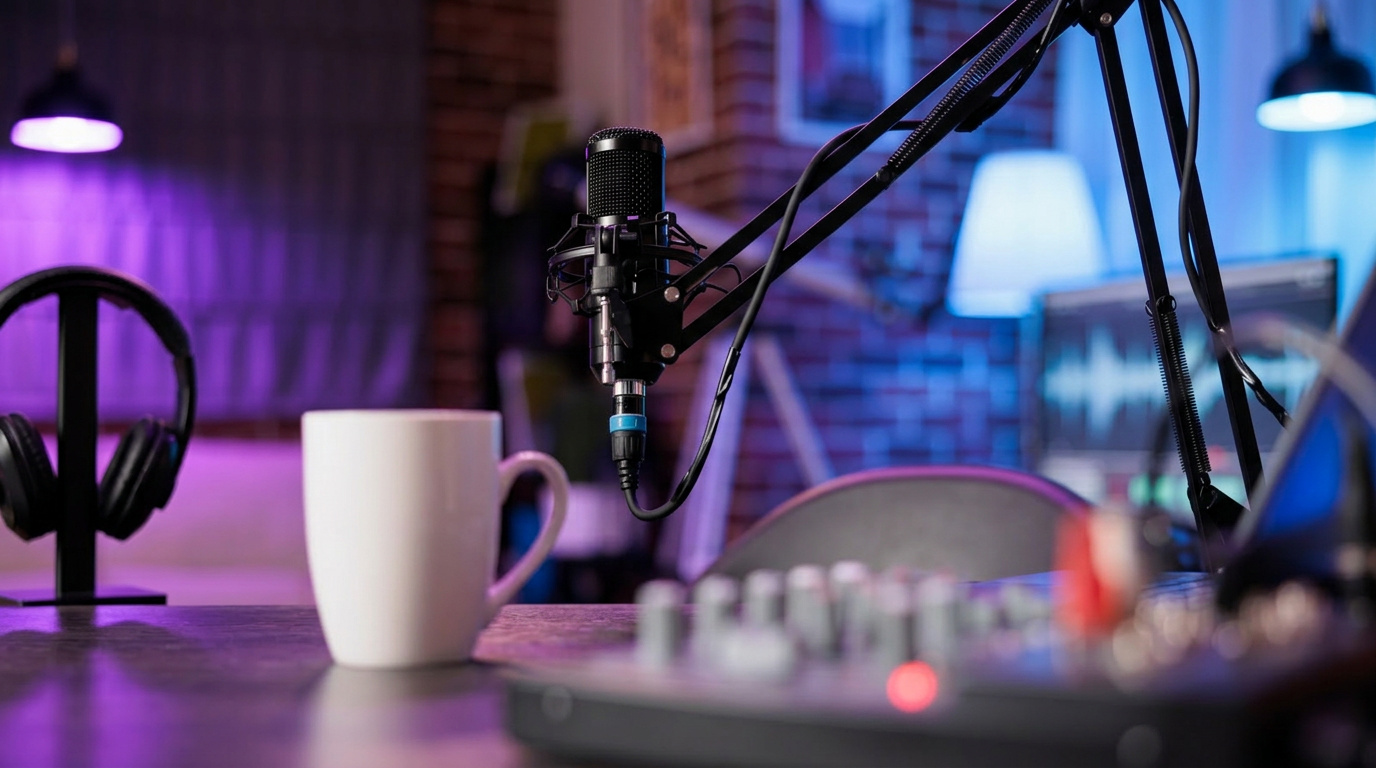
Everyone remembers the moment they decided they wanted to start a podcast. Maybe it hit you mid-commute while listening to a show and thinking, "I could do this." Maybe a friend suggested it. Maybe you have been sitting on an idea for months and finally decided it is time to stop waiting.
Whatever brought you here, welcome. Recording your first podcast episode is one of those things that feels far more complicated than it actually is once you break it down into steps. The barrier is mostly psychological. The process, when approached systematically, is entirely manageable for a complete beginner.
This guide walks you through every stage of recording your first podcast episode, from the decisions you need to make before you ever touch a microphone to the moment your episode is ready for the world to hear.
Before You Record: The Decisions That Set You Up for Success
Define What Your Podcast Is Actually About
This sounds obvious, but it is the step most beginners rush through and later regret. Before you think about microphones or software or episode length, you need to be clear on three things: who your podcast is for, what problem it solves or what value it delivers, and what makes it different from other shows in the same space.
You do not need a formal business plan. But you do need a clear answer to the question a potential listener would ask: "Why should I listen to this instead of everything else available to me?" If you cannot answer that question confidently, spend more time here before moving forward. A well-defined show concept is the foundation everything else is built on.
Choose Your Podcast Format
There are several common podcast formats, and the one you choose will shape how you prepare for and record each episode.
Solo commentary shows feature one host speaking directly to the audience. These work well for thought leadership, education, and personal brand building, but they require the host to carry the entire episode alone, which demands strong scripting or outlining skills.
Interview shows feature a host and one or more guests in conversation. These are popular because the dialogue creates natural energy and the guest brings their own audience. The challenge is that interview quality depends heavily on the host's ability to ask good questions and guide the conversation.
Co-hosted shows feature two or more regular hosts. The natural back-and-forth can make these feel very listenable, but they require scheduling coordination and clear chemistry between hosts.
Narrative or story-driven shows involve more complex scripting and production. They tend to have high production value and require more time per episode to produce, but they can be incredibly compelling when done well.
Choose the format that matches your content, your strengths, and the realistic time you have available.
Decide on Episode Length and Frequency
There is no universally correct answer to how long a podcast episode should be or how often you should release one. The right answer depends on your format, your audience's habits, and what you can sustain.
What matters far more than hitting a specific number is consistency. A 20-minute episode released every week without fail will outperform a 90-minute episode released sporadically every time, at least in terms of audience growth and retention. Choose a schedule you can genuinely maintain before you launch, not the schedule you wish you could maintain.
If you are uncertain about your show's positioning, format, or content strategy before recording begins, working through those decisions with an experienced team can save you significant time and rethinking later. Fox Talkx Studio offers podcast development support designed to help new creators build a solid foundation before they hit record.
Step 1: Choose Your Recording Equipment
Microphones for Beginners
Your microphone is the most important piece of equipment you will buy. Everything else can be upgraded over time, but poor microphone quality is immediately noticeable to listeners and very difficult to fix in post-production.
For beginners, there are two main categories to consider.
USB microphones connect directly to your computer and require no additional equipment to get started. They are easy to set up, relatively affordable, and capable of producing good quality audio. Popular options in this category include the Audio-Technica AT2020USB+ and the Blue Yeti. These are genuinely solid choices for a first podcast, especially if you are recording at home.
XLR microphones connect to an audio interface rather than directly to your computer. They generally offer superior sound quality and more flexibility, but they require an additional piece of equipment and a slightly steeper learning curve. If you are planning to invest in your show seriously from the start, an XLR setup is worth considering.
Regardless of which route you go, avoid recording on a laptop microphone, phone, or earbuds with a built-in mic. The quality difference between these and even an entry-level dedicated podcast microphone is significant and immediately audible.
Headphones
You need headphones for monitoring your audio while you record, and for reviewing your recordings during editing. Closed-back headphones are generally preferred because they prevent sound from leaking into the microphone. You do not need to spend a lot here. A reliable pair in the $50 to $100 range will serve you well as a beginner.
Audio Interface (If Using XLR)
If you choose an XLR microphone, you will need an audio interface to convert the analog signal from your microphone into a digital signal your computer can work with. The Focusrite Scarlett Solo and the PreSonus AudioBox are two widely recommended entry-level options. Both are straightforward to set up and produce excellent results.
Step 2: Set Up Your Recording Space
Where you record has a profound effect on how your audio sounds. This is one of the most underestimated factors in beginner podcast production, and getting it right does not have to be expensive.
What to Avoid in Your Recording Environment
Hard, flat surfaces reflect sound and create echo. Recording in a room with tile floors, bare walls, and high ceilings will produce noticeably reverberant audio that sounds amateurish even with great equipment.
Background noise is another significant issue. Air conditioning units, street traffic, household appliances, and other ambient sounds are picked up by sensitive microphones and create distracting artifacts in your recording.
How to Treat a Home Recording Space
The good news is that you can improve your home recording environment considerably without spending money on professional acoustic treatment.
Soft materials absorb sound and reduce echo. Recording in a room with carpet, thick curtains, upholstered furniture, and bookshelves full of books will give you noticeably better acoustics than a bare room. Some podcasters record in walk-in closets because the hanging clothing provides excellent sound absorption.
If you want to get more deliberate about it, acoustic foam panels placed on the walls behind and to the sides of your microphone can make a meaningful difference. You do not need to cover every surface. Strategic placement around your recording position is sufficient.
Close windows and doors before recording. Turn off air conditioning, fans, and other appliances if possible during your session. These small steps eliminate a surprising amount of background noise.
For podcasters who want consistently professional audio quality without the compromises of home recording, accessing a dedicated facility is the most reliable solution. The acoustic environments at Fox Talkx Studio are purpose-built to deliver broadcast-quality sound from the moment you press record.
Step 3: Choose Your Recording Software
Your recording software, also called a digital audio workstation or DAW, is where your audio is captured and edited. There are several good options available at different price points.
Free Options
Audacity is the most widely used free audio recording and editing software for podcasters. It is available on Mac and Windows, has a reasonable learning curve for beginners, and is capable of producing professional-quality results. If you are just starting out and want to minimize costs, Audacity is a perfectly valid choice.
GarageBand is available free on Mac and is arguably more intuitive than Audacity for beginners. It has solid recording and basic editing capabilities that are more than sufficient for a starter podcast.
Paid Options
Adobe Audition is a professional-grade DAW with powerful noise reduction and editing tools. It is a subscription product and has a steeper learning curve, but it offers considerably more control for podcasters who want to grow into advanced production techniques.
Hindenburg Journalist is designed specifically for spoken word audio production and is popular among podcasters and radio producers. It offers a more streamlined workflow than general DAWs and produces excellent results.
Start with a free option if you are new to audio editing. You can always migrate to more advanced software once you have a better sense of what your workflow requires.
Step 4: Prepare Your Episode Content
Script Versus Outline: What Works for Beginners
One of the most common questions new podcasters ask is whether they should write a full script or work from an outline. The honest answer is that it depends on your format and your natural delivery style.
Full scripts work well for narrative shows, solo episodes with dense information, and hosts who tend to ramble or lose their train of thought without structure. The risk is sounding like you are reading, which creates a flat, disconnected delivery. If you script, practice reading it aloud multiple times until it sounds natural.
Detailed outlines work well for conversational formats and hosts who are comfortable with a more spontaneous delivery. A good outline covers your opening hook, the key points you want to hit in order, transitions between sections, and your closing. It gives you structure without locking you into specific phrasing.
For your first few episodes, lean toward more structure rather than less. You can always loosen up as you become more comfortable in front of the mic.
Prepare Your Interview Questions in Advance
If you are recording an interview episode, preparation is everything. Research your guest thoroughly. Know their background, their work, their publicly stated perspectives on the topics you plan to discuss. Prepare more questions than you think you will need, and organize them in a logical flow that allows the conversation to build naturally.
The best interview questions are open-ended and specific. "Tell me about your experience with X" is better than "Did you find X difficult?" The first invites a story. The second invites a one-word answer.
Step 5: Record Your First Episode
Do a Technical Check Before You Start
Before every recording session, run through a quick technical checklist. Confirm your microphone is selected as the input device in your software. Check your recording levels by speaking at normal volume and making sure the signal is registering without peaking into the red. Put your headphones on and listen to yourself speak. If something sounds off, troubleshoot it now rather than discovering the problem after an hour-long recording session.
Record a Scratch Track First
A scratch track is a short, throwaway recording you do before the real session begins. Record two or three minutes of yourself speaking normally, then play it back and listen critically. Does the audio sound clean? Is there background noise you did not notice? Is the microphone too close or too far? A scratch track catches problems early and gives you a chance to adjust before you invest time in a full recording.
Manage Your Delivery and Pacing
When you sit down to record, speak more slowly than feels natural to you. Almost every first-time podcaster listens back to their recording and realizes they spoke too quickly. Slow down. Pause between ideas. Let your points land before moving to the next one.
Smile while you speak. It sounds like strange advice, but smiling physically changes the shape of your mouth and vocal tract in a way that makes your voice sound warmer and more engaged. Listeners can hear the difference even if they cannot see your face.
If you make a mistake, do not stop the recording. Simply pause, take a breath, and start that sentence again from the beginning. Clean pauses are easy to edit out. Stopping and restarting the recording creates unnecessary file management complications.
Step 6: Edit Your Episode
Editing is where your raw recording becomes a finished episode. For beginners, keep the editing process simple and focused on a few key tasks.
Remove the obvious mistakes first: long pauses, restarts, stumbles, and any sections you know you want to cut. Then listen through the full episode and remove anything that does not add value, including tangents, repeated points, and filler content that slows the pace.
Apply basic audio processing: a noise reduction pass to clean up any ambient hiss, compression to even out volume inconsistencies, and EQ adjustments to make your voice sound clear and warm. Most DAWs have preset settings for voice processing that work well as a starting point.
Add your intro and outro music, any sponsor reads if applicable, and make sure the overall volume level is consistent throughout.
Editing takes time to learn, and your first few edits will be slow. This is normal. The process gets significantly faster with practice.
For podcasters who want to focus on content creation rather than learning the technical side of audio editing, professional post-production support is a practical solution. The team at Fox Talkx Studio handles editing and production so creators can put their energy into what they do best.
Step 7: Export and Publish Your Episode
Export Settings for Podcast Audio
When you are ready to export your finished episode, the standard format for podcast audio is MP3. Export at a bitrate of 128 kbps for mono audio or 192 kbps for stereo. These settings balance file size with audio quality in a way that is appropriate for most podcast platforms.
Name your file clearly and consistently. A format like "ShowName-Episode001-Title" keeps your files organized and makes platform uploading straightforward.
Choose a Podcast Hosting Platform
Your podcast needs a hosting platform to distribute your episodes to directories like Spotify, Apple Podcasts, and Amazon Music. Your hosting platform stores your audio files and generates the RSS feed that podcast directories use to find and list your show.
Popular hosting platforms for beginners include Buzzsprout, Podbean, and Anchor. Each has a slightly different feature set and pricing structure, so it is worth spending an hour comparing them before committing. Most offer free tiers that are sufficient for getting started.
Submit Your Show to Podcast Directories
Once your hosting platform is set up and your first episode is uploaded, submit your RSS feed to the major podcast directories. Apple Podcasts and Spotify are the two most important. The submission process is straightforward on both platforms, and approval typically takes anywhere from a few hours to a few days.
The Bottom Line: Start Before You Feel Ready
The biggest obstacle between most aspiring podcasters and their first episode is the belief that they need to have everything perfect before they begin. Better equipment, more preparation, a cleaner space, more time. The list of reasons to wait is always available if you are looking for it.
The truth is that your first episode will not be your best episode. It does not need to be. It needs to exist. Every episode you record after that one will be better because you recorded the one before it. Progress in podcasting is built on repetition and honest self-evaluation, not on waiting for perfect conditions.
Start with what you have. Commit to improving with each episode. And when you are ready to take the quality of your production to a level that matches the ambition of your content, Fox Talkx Studio is here to support that next step.
Your audience is out there. The only thing left to do is record.