
How to Crop a Video Quickly and Easily: The Complete Guide for Podcast Creators
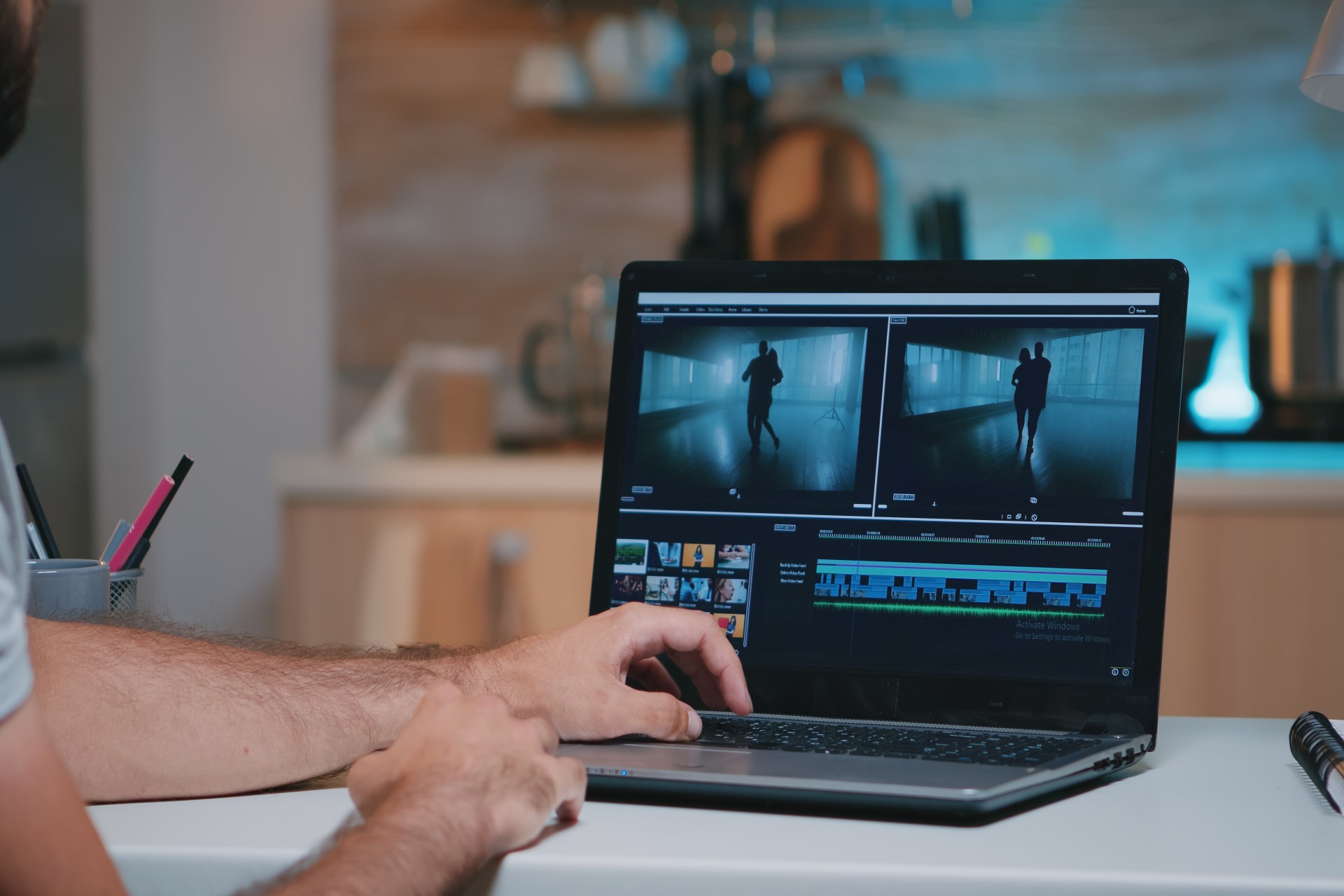
Cropping a video is one of those editing tasks that sounds straightforward until you start doing it and discover the range of decisions involved. Which area of the frame do you keep? What aspect ratio does the platform require? How do you maintain the compositional quality of the original footage after cropping? And how do you crop efficiently across multiple clips without repeating the same manual adjustments on every individual piece of footage in the timeline?
For podcast video creators, these questions arise constantly. A single recording session generates footage that needs to be distributed across platforms with completely different aspect ratio requirements: the full horizontal episode for YouTube, vertical clips for Instagram Reels and YouTube Shorts, square crops for LinkedIn, and various other framings for different distribution contexts. Each platform crop needs to be executed correctly, efficiently, and without sacrificing the visual quality of the footage it is derived from.
This post covers everything you need to know about cropping video footage for podcast content: the technical principles behind cropping and aspect ratios, the platform-specific requirements that govern the correct crop for each distribution context, the compositional considerations that preserve visual quality through the crop process, and the specific tools and workflows that make cropping fast, consistent, and professionally executed.
Understanding Video Cropping: What It Is and Why It Matters
Before examining the practical tools and techniques, understanding what video cropping actually involves at a technical level provides the foundation for making good cropping decisions.
What Cropping Does to Your Footage
Cropping a video means selecting a specific rectangular area of the original frame and using only that area in the output, discarding the portions of the frame outside the selected area. The cropped area becomes the new full frame of the output video, scaled up to fill the output resolution.
This scaling is the critical technical consideration in cropping decisions. When a smaller area of the original frame is cropped and scaled to fill the output resolution, the image is being enlarged beyond its original captured resolution. If the crop is small enough relative to the original resolution, this enlargement is invisible in the final output because there is sufficient resolution in the cropped area to fill the output frame without visible quality degradation. If the crop is too aggressive, the enlargement produces a visibly softer, lower-quality image because the cropped area does not contain enough resolution to fill the output frame cleanly.
The practical implication is that the resolution of the original footage determines how much cropping headroom is available before quality degradation becomes visible. Footage recorded at 4K resolution has significantly more cropping headroom than footage recorded at 1080p, because the 4K original contains four times as many pixels to work with.
For podcast creators who are planning to distribute their video content across multiple platforms with different aspect ratio requirements, recording at the highest available resolution specifically to preserve cropping headroom is one of the most important pre-production decisions.
Aspect Ratio: The Foundation of Cropping Decisions
Every cropping decision is fundamentally a decision about aspect ratio: the proportional relationship between the width and height of the output frame. Different platforms have different aspect ratio requirements, and cropping is the mechanism by which footage recorded at one aspect ratio is adapted for distribution at another.
The most common aspect ratios in podcast video distribution are 16:9, the standard horizontal format used by YouTube and most podcast video platforms; 9:16, the vertical format used by Instagram Reels, YouTube Shorts, and TikTok; 1:1, the square format used in some LinkedIn and Instagram feed posts; and 4:5, a portrait format used in some Instagram feed contexts.
Understanding these aspect ratio requirements before beginning the cropping process ensures that every crop is targeted at the correct dimensions for its intended platform rather than requiring rework when the output does not match platform specifications.
Platform-Specific Cropping Requirements for Podcast Video
Each major platform where podcast video is distributed has specific technical requirements for the video content it accepts, and cropping decisions should be made in reference to these specific requirements.
YouTube: Standard Horizontal Format
YouTube's primary format is 16:9 horizontal video at 1080p or higher resolution. Full podcast episodes distributed on YouTube should be recorded and edited in the 16:9 format without cropping, as this matches the platform's native display format.
YouTube Shorts, the platform's short-form vertical video feature, requires 9:16 vertical format. Short-form clips extracted from podcast episodes for YouTube Shorts distribution need to be cropped from the original 16:9 footage to the 9:16 format, which requires identifying the vertical area of each clip that contains the most important visual content and cropping to that area.
For talking head podcast footage, the vertical crop for YouTube Shorts typically centers on the speaker's face and upper body, eliminating the sides of the original horizontal frame where the speaker is not present. When two speakers are visible in the original horizontal frame, the vertical crop may need to be positioned to include both speakers within the narrower vertical frame, which can require adjusting the framing more carefully.
Instagram: Multiple Format Requirements
Instagram supports multiple formats across its different content surfaces, each with different aspect ratio requirements that require different crops from the same source footage.
Instagram Reels uses 9:16 vertical format, the same as YouTube Shorts. Clips distributed as Reels from podcast episodes require the same vertical crop as Shorts clips.
Instagram feed posts can be published in multiple aspect ratios including 1:1 square, 4:5 portrait, and 16:9 horizontal, though the 1:1 and 4:5 formats are most commonly used for podcast-derived content because they display larger in the feed than horizontal posts.
Instagram Stories uses the 9:16 vertical format, the same as Reels.
Creating platform-specific crops for all of Instagram's formats from a single source clip requires an efficient cropping workflow that can produce multiple output formats from the same footage without manual re-cropping for each format.
For podcast creators in Mumbai who want their episode footage professionally cropped and formatted for multi-platform distribution as part of a complete post-production service, Fox Talkx Studio provides the production expertise and workflow efficiency to deliver platform-ready content across every distribution context. Explore the full range of production services at https://www.foxtalkxstudio.com/services.
LinkedIn: Horizontal and Square Formats
LinkedIn video content performs well in both 16:9 horizontal and 1:1 square formats. The square format is particularly effective on LinkedIn because it occupies more vertical space in the feed than horizontal video, attracting more visual attention as users scroll.
LinkedIn has maximum file size and duration limits for native video uploads that should be checked against the specific clips being prepared for distribution. Clips that exceed these limits need to be compressed or trimmed before uploading.
TikTok: Vertical Format Requirements
TikTok uses 9:16 vertical format as its primary display format, the same as Instagram Reels and YouTube Shorts. Podcast clips distributed on TikTok require the vertical crop applied for other short-form vertical platforms.
TikTok's audience and content culture differ significantly from LinkedIn and YouTube, and the specific clips selected for TikTok distribution from podcast episodes should be chosen with TikTok's faster-paced, more entertainment-oriented audience in mind. The same crop decisions that work for YouTube Shorts may be appropriate for TikTok, but the content selection within those crops should reflect the platform's specific engagement culture.
Tools for Cropping Video Quickly and Efficiently
The specific tools available for cropping video footage vary across different editing applications, and choosing the right tool for each cropping context makes the process significantly faster and more consistent.
Crop Tools in Professional Editing Applications
Professional video editing applications including Adobe Premiere Pro, DaVinci Resolve, and Final Cut Pro all include built-in crop tools that allow editors to define the cropped area of any clip either by entering specific pixel dimensions and position values or by visually dragging the crop boundaries in the program monitor.
Adobe Premiere Pro's crop effect, applied as a video effect to individual clips or to adjustment layers above multiple clips, provides precise control over the crop area through percentage-based controls or through visual manipulation in the program monitor. The scale and position controls in the Motion effect provide an alternative approach to repositioning footage within the frame that achieves a similar result to cropping.
DaVinci Resolve provides crop controls in the Inspector panel of the Edit page, where individual clips can be cropped by entering pixel values for each edge of the crop or by using the Zoom, Position, and Rotation controls in the Transform section. The Fusion compositing environment provides additional compositing-based cropping options for more complex crop requirements.
Final Cut Pro includes crop and transform controls in the Video Inspector that allow percentage-based or pixel-based crop adjustments to be applied to individual clips. The Spatial Conform setting controls how footage is scaled to fit within the project's output resolution, which is relevant when working with footage of different resolutions within the same project.
Creating a New Sequence for Each Output Format
The most efficient approach to creating platform-specific crops from a single edited episode in professional editing applications is creating a new sequence for each output format with the target aspect ratio and resolution of that format.
In Adobe Premiere Pro, a new sequence created with a 9:16 aspect ratio and 1080x1920 resolution provides the vertical canvas for the YouTube Shorts and Instagram Reels crop. The original horizontal edit can be nested or copied into this new sequence, and each clip within it repositioned and scaled to fill the vertical frame correctly.
This sequence-per-format approach is more efficient than applying crop effects to individual clips in the original horizontal sequence because it allows all clips to be cropped and repositioned within a single correct-aspect-ratio canvas rather than approximating the vertical crop within a horizontal sequence.
Batch Cropping Workflows for Multiple Clips
When a large number of clips need to be cropped to the same format with the same general framing, batch processing tools can significantly reduce the time required to prepare all clips for a specific platform.
Adobe Premiere Pro's auto-reframe feature, available through the Effects panel, can automatically analyze the content of a clip and generate a reframe that follows the primary subject as they move through the frame, maintaining a consistent center of attention in the cropped output. This automated reframing works well for footage with clear primary subjects and relatively simple movement, though it requires manual review and adjustment for footage where the automatic tracking does not correctly identify or follow the intended subject.
DaVinci Resolve's remote grades feature allows color and transform adjustments applied to one clip to be automatically applied to all instances of the same media file in the project, which can be used to batch apply crop and scale adjustments to multiple instances of the same clip across different sequences.
For podcast creators who are regularly producing platform-specific crops across a consistent episode format, investing time in setting up an efficient batch cropping workflow produces significant time savings across the full production run of the show.
Compositional Considerations When Cropping Podcast Video
Technical cropping accuracy is necessary but not sufficient for producing cropped footage that looks compositionally strong in its new format. The compositional quality of the cropped footage, how well the subjects are framed within the new aspect ratio, is equally important and requires specific attention.
Maintaining Subject Framing Quality Through the Crop
The original 16:9 horizontal footage of a podcast recording is typically composed with the subjects framed within the horizontal canvas in a way that looks natural and balanced. When a vertical 9:16 crop is applied, the narrower frame may not include all of the original horizontal composition, and the remaining portion may not be compositionally as strong as the original.
For single-speaker footage, the vertical crop for short-form content should be positioned to place the speaker's face in the upper portion of the vertical frame, leaving space below for captions and allowing the speaker to be prominent within the vertical canvas. The rule of thirds, discussed in depth elsewhere in this series, applies to vertical video composition as much as to horizontal video composition, and the speaker's eyes should ideally be positioned near the upper horizontal third of the vertical frame.
For two-speaker footage from a wide shot, the vertical crop may need to include both speakers in the narrower frame, which often requires a tighter framing than either speaker alone. Assessing whether the two-speaker tight framing looks natural and whether both subjects are clearly visible and recognizable in the vertical crop is important before finalizing the crop for publication.
When to Create Separate Vertical Recordings
For podcast productions where vertical short-form content is a primary distribution channel rather than a secondary one derived from horizontal footage, recording specific vertical footage during the session, either using cameras positioned for vertical capture or using the vertical crop of a high-resolution horizontal recording, produces better compositional results than deriving vertical crops from horizontal footage not designed for vertical framing.
Shooting specifically for vertical capture allows the host and guest to be positioned and framed for the vertical canvas from the outset, rather than fitting a horizontal composition into a vertical format as an afterthought. The resulting vertical footage will be compositionally stronger and will require less post-production adjustment than vertical crops derived from horizontal footage.
For podcast studios in Mumbai that support intentional vertical video production as part of their recording capabilities, Fox Talkx Studio provides the technical setup and production expertise to capture footage that is designed for the specific distribution platforms where it will be used. Learn more about the studio's production services at https://www.foxtalkxstudio.com/services.
Avoiding Compositional Errors Common in Cropped Footage
Several compositional errors appear frequently in cropped podcast video footage that are worth identifying and avoiding specifically.
Cutting off the top of the speaker's head is one of the most common cropping errors, particularly in vertical crops derived from horizontal footage where the speaker's head was near the top of the original frame. The vertical crop that tightens around the speaker's body may remove the top of their head if the crop is not carefully positioned. Always verify that the subject's full head, including any hair above the forehead, is included within the crop area before finalizing the crop.
Creating unbalanced negative space is another common error, where the crop removes visual elements from one side of the frame that were providing balance to the composition, leaving the subject with too much empty space on one side and too little on the other. Reviewing the cropped composition for balance, not just for subject inclusion, is an important quality check in the cropping process.
Losing important visual context, such as the studio environment that establishes the professional production quality of the show, is a consideration for vertical crops that eliminate the sides of the horizontal frame where studio elements are visible. If the studio environment is an important visual brand element of the show, the vertical crop should be positioned to include at least some of the studio context rather than eliminating it entirely.
Quick Cropping for Social Media Clips: An Efficient Workflow
For podcast creators who regularly produce social media clips from their episodes, developing an efficient and repeatable workflow for the cropping process saves significant production time and ensures consistent quality across all distributed clips.
Step One: Identify and Export the Clip
The first step in the social media clip workflow is identifying the specific moment in the episode that will be distributed as a clip and exporting a rough version of that clip in the original horizontal format. This rough export does not need to be color graded or fully edited: it simply needs to contain the specific content that will be used in the clip, with sufficient handling on either side of the intended in and out points to allow for fine-tuning in the crop workflow.
Step Two: Create Platform-Specific Sequences
With the rough clip exported, create a new sequence for each target platform format: a 9:16 sequence for Reels and Shorts, a 1:1 sequence for square formats, and any other target formats required. Import the rough clip into each sequence.
Within each sequence, position and scale the clip to achieve the best compositional framing for that specific format, using the crop and scale tools of the editing application to place the subject optimally within each canvas.
Step Three: Add Captions and Graphic Elements
With the crop and framing established, add captions and any graphic elements specific to the social media format: the show's branding, the speaker identification lower third, and any text overlays that reinforce the clip's key message for viewers who encounter it without audio.
Social media captions, particularly for vertical video, should be positioned in the lower portion of the frame where they are clearly visible without obscuring the subject's face. The caption font size should be large enough to be legible on mobile screens at the sizes at which clips are displayed in social feeds.
Step Four: Review and Export
Before exporting the final social media clip, review the complete clip in each format on a simulated mobile screen to verify that the crop, captions, and graphic elements all look correct at mobile viewing size. Elements that appear correct on a desktop monitor may be too small, too close to the frame edges, or otherwise visually problematic when viewed on a phone screen.
Export each platform-specific clip in the format, codec, and file size specifications required by the target platform, using export presets created for each platform to ensure consistent and correct technical specifications across all clips.
For podcast production teams in Mumbai who want this complete social media clip workflow, including cropping, captioning, graphic addition, and platform-specific export, handled as part of their professional post-production service, Fox Talkx Studio provides the workflow expertise and technical capabilities to deliver multi-platform ready content from every episode. Visit https://www.foxtalkxstudio.com/services to explore the complete range of production and post-production services.
Mobile and Quick Cropping Tools for Non-Editors
Not every podcast creator has access to professional editing software or the skills to use it efficiently. For creators who need quick cropping capabilities without a full editing workflow, several accessible tools provide functional cropping capabilities for common podcast video distribution needs.
Online Video Cropping Tools
Browser-based video editing tools including Kapwing, Clideo, and Canva's video editor all include cropping tools that allow users to upload video footage and crop it to specific aspect ratios without requiring downloaded software or editing expertise. These tools are accessible to anyone with a browser and an internet connection and are functional for straightforward cropping tasks.
The primary limitations of browser-based tools are their processing speed, which is typically slower than desktop editing software, their file size limits, which may restrict their use for longer podcast clips, and their export quality options, which may not support the highest quality settings available in professional editing applications.
Mobile Video Editing Apps
Mobile editing applications including CapCut, InShot, and Adobe Premiere Rush all include cropping and aspect ratio tools that allow footage captured or stored on a mobile device to be cropped and reformatted for social media distribution directly on the phone. These apps are particularly convenient for quick turnaround social media clip production where the full desktop editing workflow is not practical.
Key Takeaways
Cropping video footage for podcast content distribution is a fundamental post-production skill with implications for technical quality, compositional integrity, and distribution efficiency across multiple platforms with different aspect ratio requirements.
The technical foundation of good cropping practice is understanding the relationship between original footage resolution and cropping headroom, the aspect ratio requirements of each target platform, and the tools available in professional editing applications for efficient and precise crop execution.
The compositional dimension of good cropping practice is maintaining the visual quality and subject framing integrity of the original footage through the crop process, avoiding common errors like cutting off subjects, creating unbalanced compositions, or losing important visual context.
The workflow dimension of good cropping practice is building an efficient, repeatable process for producing platform-specific crops from each episode's source footage, using sequence-per-format approaches in professional editing applications, and integrating captioning and graphic elements into the platform-specific crop sequences before final export.
For podcast creators in Mumbai who want their cropping and multi-platform distribution preparation handled at a professional standard as part of a complete post-production service, Fox Talkx Studio provides the expertise and workflow efficiency to deliver platform-ready content across every distribution context. Visit https://www.foxtalkxstudio.com/services and discover what professional podcast video post-production looks like for your show.