
Podcast Editing for Beginners: Tools, Tips & Outsource
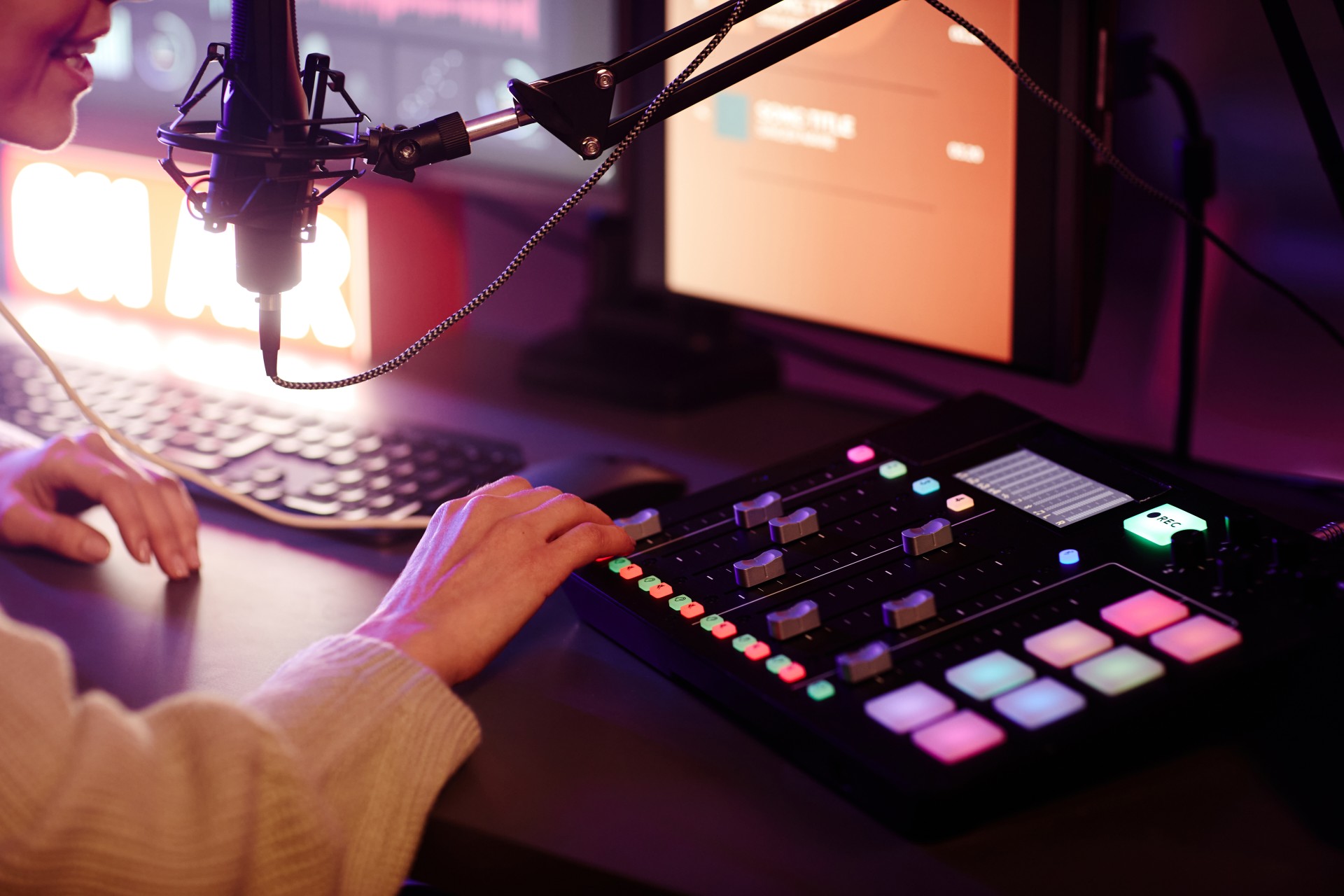
Starting a podcast is exciting. You have a message, a microphone, and the motivation to share your voice with the world. But then comes the part nobody warned you about: the editing. Suddenly you are staring at a waveform, trying to figure out why your audio sounds like it was recorded inside a tin can, and wondering how professional podcasters make it all sound so effortless.
The good news is that podcast editing is a learnable skill, and you do not need to be a sound engineer to produce something your listeners will enjoy. This guide walks you through the tools that actually work for beginners, the techniques that make the biggest difference in audio quality, and the honest signs that it might be time to hand the work off to a professional team.
Why Podcast Editing Matters More Than You Think
A lot of new podcasters assume their content is strong enough to carry the show, even if the audio is a little rough. And while great content is absolutely the foundation, poor audio quality is one of the top reasons listeners click away and never return.
Research consistently shows that audio quality has a direct impact on listener perception. If your show sounds amateurish, listeners may unconsciously question your credibility, even if your information is excellent. Conversely, a clean, well-edited episode signals professionalism, respect for the listener's time, and attention to detail.
Editing is also where you shape the listener's experience. It is where long pauses get tightened, filler words get removed, tangents get cut, and the pacing gets polished so that each episode flows naturally from start to finish.
The Basic Podcast Editing Workflow for Beginners
Before diving into specific tools and techniques, it helps to understand the general editing workflow most podcasters follow. Whether you are editing yourself or briefing a professional, knowing the stages makes the process far less overwhelming.
Step 1: Raw File Review
After recording, your first step is to listen through your raw audio file and take notes. Mark the timestamps of major mistakes, long silences, background noise spikes, or sections that need to be cut. Many editors use a simple document or spreadsheet for this.
Step 2: Rough Edit
In the rough edit phase, you make the bigger structural cuts. This includes removing entire sections that do not add value, cutting false starts, and trimming any pre-show chatter that was never meant to be in the final episode.
Step 3: Fine Edit
The fine edit is where you clean up at a more granular level. This is the phase for removing filler words like "um," "uh," and "you know," tightening the gaps between sentences, and smoothing out any awkward transitions.
Step 4: Audio Processing
Once the structure is clean, you apply audio processing to improve the overall sound. This includes noise reduction, equalization (EQ), compression, and loudness normalization. We will cover each of these in more detail shortly.
Step 5: Export and Review
Finally, you export your file in the appropriate format (typically MP3 at 128kbps for most podcast platforms), then do one final listen on different devices, including headphones, laptop speakers, and your phone, to make sure everything sounds right across the board.
Best Podcast Editing Software for Beginners
The software you choose will shape your entire editing experience, so it is worth understanding your options before committing to one.
Audacity (Free)
Audacity is the most widely recommended starting point for beginner podcasters, and for good reason. It is completely free, available on Windows, Mac, and Linux, and includes all the core tools you need: noise reduction, compression, EQ, and basic multitrack editing. The interface is not the most modern, but the learning curve is manageable, and there is an enormous library of tutorials available online.
The main limitations of Audacity are its lack of real-time effects previewing and its older-style interface that can feel clunky compared to paid options. But for someone just starting out, it is more than capable.
GarageBand (Free for Mac Users)
If you are on a Mac, GarageBand is a serious contender. It comes pre-installed on most Apple devices and offers a cleaner, more intuitive interface than Audacity. GarageBand includes smart compression, EQ, and noise gate tools, and it handles multitrack audio quite well. For solo podcasters or interview shows with two guests, it is a very practical free option.
Adobe Audition (Paid)
Adobe Audition is a professional-grade digital audio workstation (DAW) that many podcast editors use as their primary tool. It offers spectral frequency display (which makes it easy to spot and remove noise visually), powerful multitrack editing, and highly customizable audio processing. It is available as part of the Adobe Creative Cloud subscription.
For beginners, Audition has a steeper learning curve, but if you plan to grow your podcast seriously and want to invest in your editing skills long-term, learning Audition pays dividends.
Descript (Beginner-Friendly Paid Option)
Descript takes a completely different approach to podcast editing. Instead of working with audio waveforms, it transcribes your recording and lets you edit the audio by editing the text. Want to remove a filler word? Just delete it in the transcript. Want to cut a paragraph? Highlight it and press delete.
This makes Descript remarkably approachable for people with no audio editing background whatsoever. It also includes basic audio enhancement, multitrack support, and video editing if you are producing a video podcast as well.
The trade-off is that Descript's audio processing is not as deep as Audition or even Audacity, and transcription accuracy varies depending on your recording quality and accents. But as a starting tool, it genuinely removes a lot of the intimidation factor.
If you are unsure which direction to take your podcast production, the team at Fox Talkx Studio can help you figure out the right setup for your goals and budget before you spend money on the wrong tools.
Essential Podcast Editing Techniques for Beginners
Knowing which software to use is only half the equation. Here are the core techniques that will have the biggest impact on your audio quality, even if you are just starting out.
Noise Reduction
Background noise is one of the most common issues in beginner podcast recordings. Whether it is the hum of an air conditioner, a computer fan, or distant street sounds, these noises are distracting and unprofessional.
Most editing tools handle this through a two-step process: you select a portion of the audio that contains only the background noise (a moment of silence between words works well), tell the software what the "noise profile" looks like, and then apply noise reduction across the entire track. Done correctly, this dramatically cleans up your audio. Done aggressively, it can make voices sound robotic, so always apply it at a moderate level and listen carefully to the result.
Equalization (EQ)
EQ is the process of adjusting the balance of different frequencies in your audio. For most podcast voices, this means reducing some of the low-end rumble (below 80-100 Hz), slightly boosting the midrange where clarity lives (around 1-3 kHz), and reducing any harsh high-frequency sibilance that makes "s" sounds piercing.
A good starting point for beginners is to apply a high-pass filter at around 80 Hz to remove low rumble, and then use your ears to adjust from there. Every voice and recording environment is different, so there is no one-size-fits-all EQ setting.
Compression
Compression is what makes your audio sound consistent and professional. It works by automatically reducing the volume of the loudest parts of your recording, then bringing up the overall level so that quiet moments and loud moments are closer together in volume.
For podcast voices, a moderate compression ratio (around 2:1 to 4:1) with a medium attack and release time is a solid starting point. The goal is not to crush the dynamics out of your voice but to make it sound steady and easy to listen to without constant volume adjustment on the listener's end.
Loudness Normalization
Podcast platforms like Spotify, Apple Podcasts, and others use a standard called LUFS (Loudness Units relative to Full Scale) to normalize audio volume across all shows. The current standard for podcasts is typically -16 LUFS for stereo and -19 LUFS for mono. Exporting your audio at these levels ensures that your show does not sound dramatically louder or quieter than others on the same platform.
Most editing software, including Audacity and Audition, includes a loudness normalization tool. Make this the final step in your audio processing chain.
Removing Filler Words and Tightening Pacing
This is where editing goes from functional to genuinely good. Removing excessive filler words ("um," "uh," "like," "you know") and tightening the gaps between sentences makes your podcast sound more confident and professional, even if the original recording was conversational and loose.
A general rule: silence between sentences longer than about half a second can usually be trimmed without the edit feeling noticeable. Between thoughts or topic shifts, you might leave a slightly longer pause, but even those rarely need to be more than one second.
Common Beginner Mistakes to Avoid
Even with the right tools and techniques, there are a few mistakes that consistently trip up new podcast editors.
Over-Processing the Audio
More is not always better when it comes to audio processing. Applying too much noise reduction, too much compression, or too much EQ can make your voice sound unnatural, thin, or fatiguing to listen to. Always aim for transparent processing that improves the audio without making it obvious that processing has been applied.
Skipping the Final Listen
It is tempting to call the edit done the moment you finish making all your changes, but always do one complete listen-through of the final exported file before publishing. Errors slip through more often than you would expect, including awkward cuts, audio artifacts from processing, or sections where the volume drops or spikes unexpectedly.
Ignoring Room Acoustics
Good editing can reduce background noise, but it cannot fix a recording made in a highly reverberant room. If your recordings consistently sound echoey, no amount of editing will fully solve the problem. Treat this at the source by recording in a smaller room, adding soft furnishings, or using a reflection filter behind your microphone.
Not Having a Consistent Show Structure
Editing is much easier when you know exactly what your episode should contain and in what order. Create a loose template for your shows, including intro, main content, and outro, and stick to it. This makes both editing and listener experience more predictable.
When to Outsource Your Podcast Editing
Here is the conversation that many podcasters avoid having with themselves: at what point does it make more sense to hand the editing off to a professional?
The honest answer is that the right time varies, but there are clear signals worth paying attention to.
You Are Spending More Time Editing Than Creating
If you are regularly spending three to five hours editing every one-hour episode, that is time you are not spending developing new content, growing your audience, or running your business. For many podcasters, especially those who run their show as part of a broader brand or business, their time is simply worth more than the cost of professional editing.
At that point, outsourcing to a team like Fox Talkx Studio is not an expense but an investment that frees you to focus on the high-value creative and strategic work only you can do.
Your Audio Quality Has Hit a Ceiling
There comes a point where DIY editing, no matter how careful, stops improving. You have cleaned up the noise, applied your compression and EQ, normalized the loudness, and it still does not sound quite like the polished shows you admire. This is often where professional ears and professional tools make a noticeable difference.
Experienced editors know exactly what to listen for and how to fix it, and they have access to high-quality plugins and processing chains that most beginners have not encountered yet.
You Are Scaling Your Output
If you started with one episode per month and now want to publish weekly or even multiple times per week, the editing workload multiplies fast. Scaling your production without help almost always leads to burnout or a drop in quality, sometimes both.
Professional podcast editing services like those offered at Fox Talkx Studio are built to handle consistent, high-volume output without sacrificing the quality and attention to detail your listeners expect.
Your Show Is Part of a Larger Business or Brand
If your podcast is a marketing asset, a thought leadership platform, or a direct revenue source, the quality of its production reflects directly on your brand. In this context, cutting corners on audio quality sends the wrong signal to potential clients, partners, and customers. Professional editing ensures your show always sounds like what it is: a serious, credible production.
What to Look for in a Podcast Editing Partner
If you decide to outsource, choosing the right editing partner matters. Here is what to look for.
Clear Communication and Turnaround Times
You need to know exactly when your edited episodes will be delivered and how revisions are handled. A professional editing service should have clearly defined turnaround times and a straightforward revision process.
Experience with Your Podcast Format
Interview shows, solo commentary podcasts, panel discussions, and narrative audio documentaries all have different editing requirements. Make sure the team you hire has experience with your specific format.
Transparent Pricing
Avoid services that are vague about what is included in their packages. You should know upfront exactly what you are getting: raw editing, audio processing, show notes, chapter markers, and so on.
The team at Fox Talkx Studio offers podcast production support tailored to your specific needs, whether you are just getting started or looking to scale an established show.
Wrapping Up
Podcast editing is one of those skills that feels overwhelming at first and genuinely rewarding once it clicks. Start with a straightforward tool like Audacity or Descript, learn the core techniques one at a time, and give yourself permission to improve gradually rather than trying to produce a perfect show on your first attempt.
At the same time, be honest with yourself about where your time and energy are best spent. Many of the most successful podcasters outsource their editing early because they recognize that doing less of the technical work lets them do more of the creative work that actually grows the show.
If you are ready to take your podcast production to the next level without spending hours in an editing program, explore what Fox Talkx Studio can do for your show. From clean audio processing to full-service episode production, the goal is always the same: helping you sound your best, every single time.